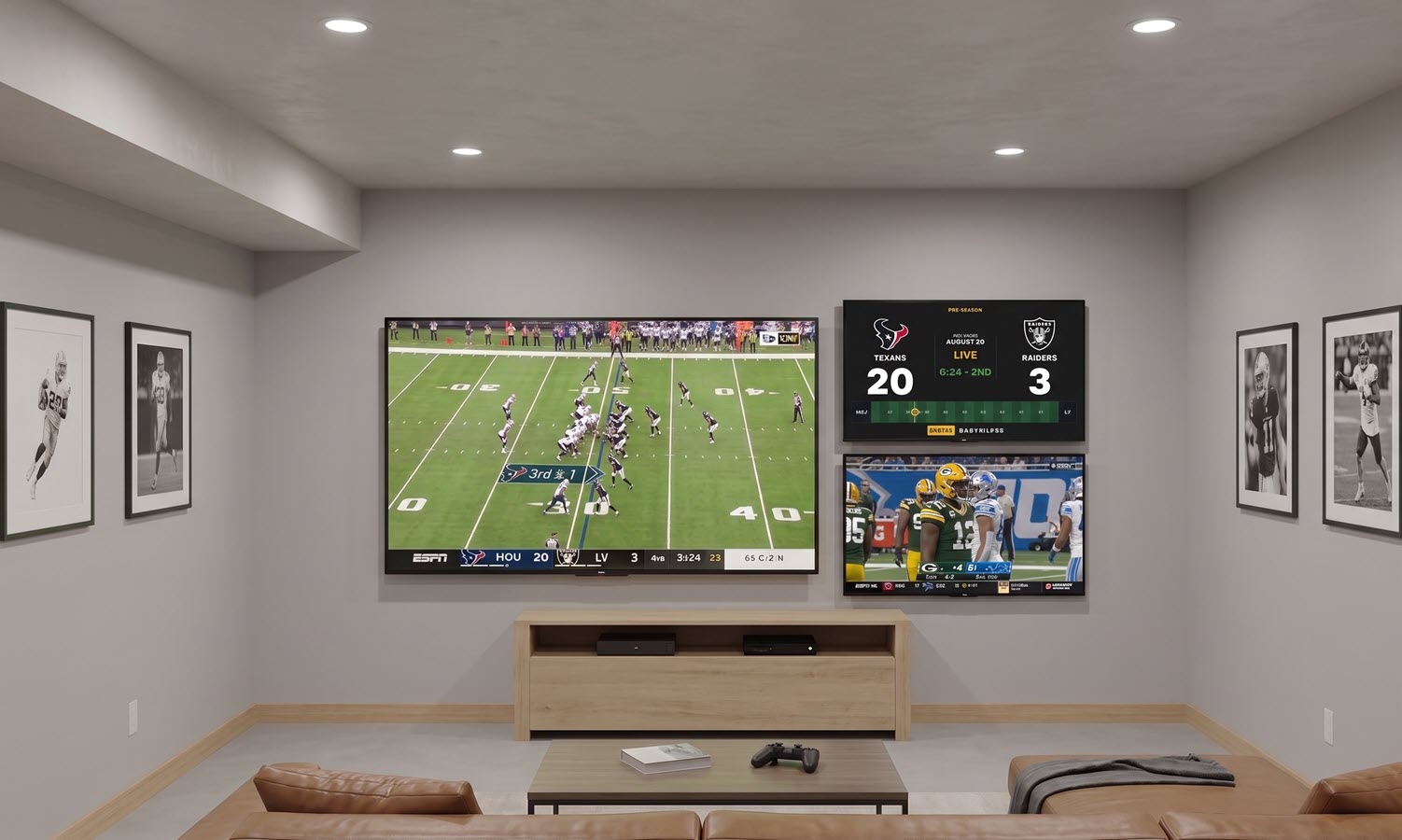
Smart TV
Android TV & Google TV
Install the app from Google Play, approve a short code from your phone, and leave it running. The biggest and most readable of the three.
Android TV setup
TickrDash runs on the screens you already own: a TV with access to the Play Store, a tablet on the counter, a browser tab on a spare monitor. Pick the one you have, follow its guide, and run the whole thing from your phone afterwards.
There is no TickrDash hardware to buy. Every setup below puts the same dashboard on a screen that is already in the room — the only thing that changes is how you get it there.
Install the app from Google Play, approve a short code from your phone, and leave it running. The biggest and most readable of the three.
Android TV setup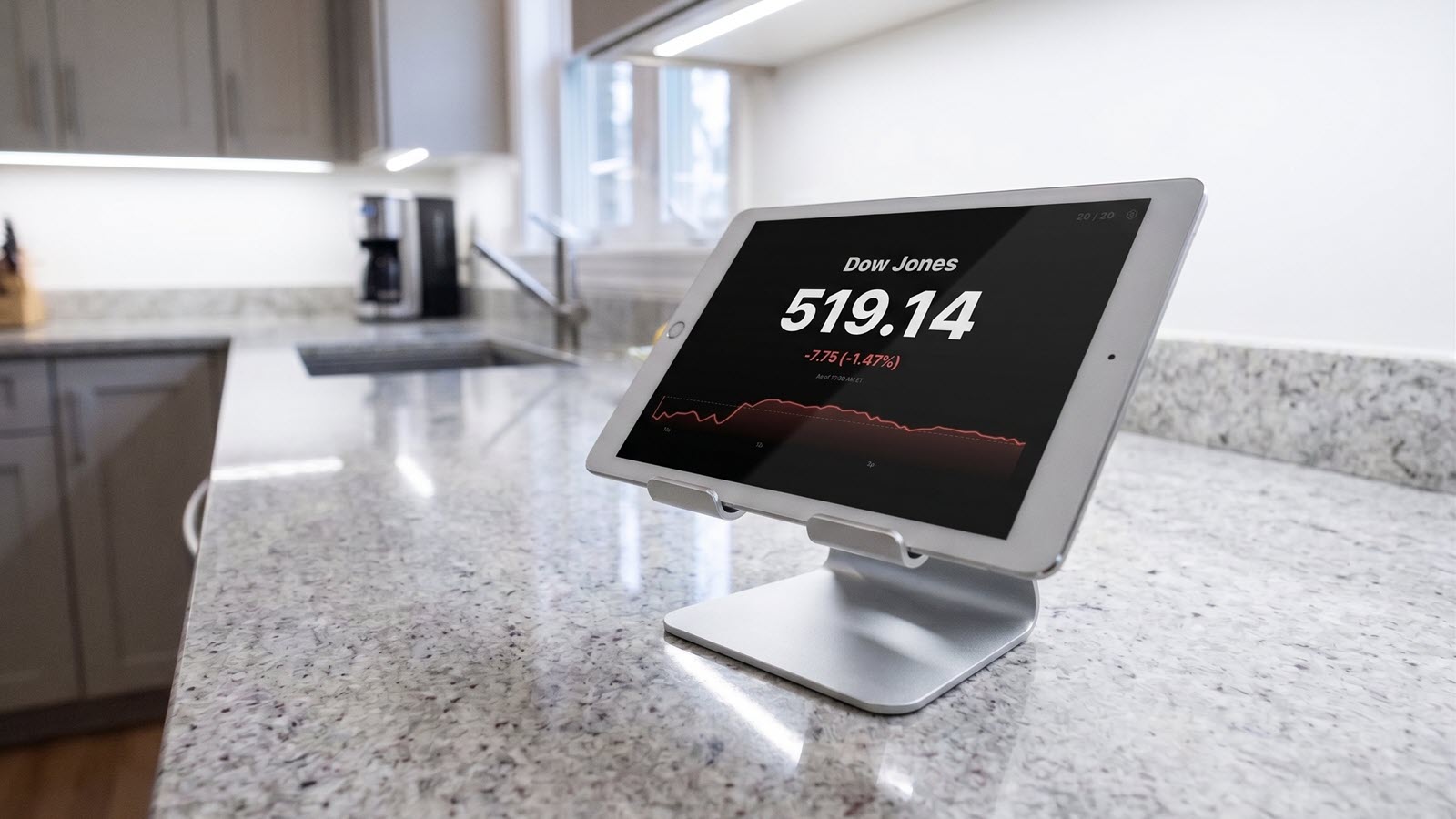
Nothing to download. Open the site in Safari and add it to the home screen — it launches full-screen, just like an app.
iPad setup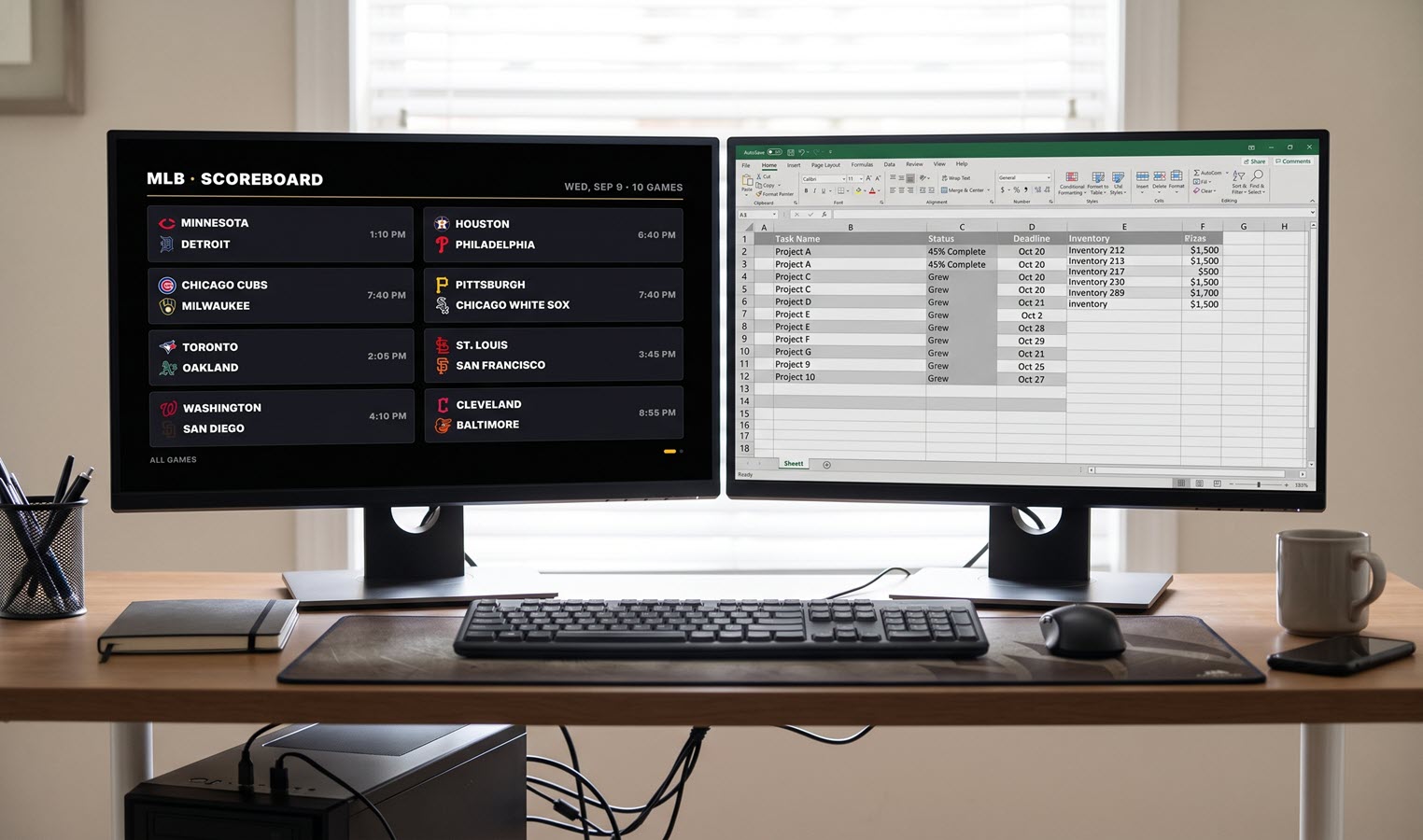
A smart-TV browser, a laptop on HDMI, a spare monitor. Sign in, pick a layout and leave the tab open. There is no install step at all.
Open the live demoTwo more notes on devices. Android phones and tablets can run the board in the browser exactly like any other screen. Fire TV is coming soon.
The list is short, and most of it you already have.
All three setups show the same content. What changes is viewing distance, and that is what should decide the device.
A wall-mounted TV is the one screen in the house you already read from ten feet away, which is exactly what a whole-league board needs. The Smart Scoreboard fits up to eight games on one slide, so a full Saturday or Sunday slate goes by in a couple of turns. This is the Android TV or Google TV setup.
A tablet propped up beside the toaster is the classic always-on dash: close enough to read one game card at a time, small enough that nobody minds it being on all evening. Plug it in, add it to the home screen and forget it. This is the iPad setup — an old tablet you stopped carrying around is perfect for it.
At arm’s length a browser tab is the easiest option and needs no install. It also suits the mixed board best: scores between innings, then your stock quotes and market indices, local weather by ZIP code and lottery results, all in the same rotation.
More than one screen, or screens the public sees, is a different conversation — multi-site licensing, custom packages and central admin control. The bars and venues page covers it, and the setup steps on this page still apply to each individual screen.
Every guide on this page lands in the same place: a screen that runs itself and a phone that changes it.
On a TV, approve a short code from your phone — no password typed with a remote. On a tablet or in a browser, sign in the normal way with Google, Apple or Microsoft.
Turn on the leagues you follow, add teams, standings, weather and market symbols. Anything you leave off never reaches the screen.
The control panel updates the big screen as soon as you save, with no restart, and quick presets swap the whole board in one tap when the good game moves.
Want to see the rotation before you set anything up? The live demo is the real product running on captured data, in your browser, with no account needed.
See it running before you sign up — the demo is the real product (with non-live data).