Live game cards for your teams
Score, clock and game situation for the teams you follow — NFL, NBA, NHL, WNBA, NCAA Basketball, NCAA Football and more.


Look up. Stay ahead.
Live scores, standings, stocks and weather cycle on the TV, tablet or browser you already own — sized to read from across the room, so nobody has to unlock a phone to check another game.
Android TVs · tablets · smart-TV browsers · any laptop.
Use code TRY-DASH30 — first month free, no card.
One rotation carries the slate, the tables and everything you'd otherwise pick up a phone for.
Score, clock and game situation for the teams you follow — NFL, NBA, NHL, WNBA, NCAA Basketball, NCAA Football and more.
A whole slate at a glance, eight games to a slide, with the teams you follow on the first page.
Conference and division tables, the college Top 25, golf leaderboards, tennis and Formula 1.
Your stock quotes and market indices, plus current conditions and the forecast for your ZIP code.
Lottery drawings for the games you follow, alongside your scores.
The same dashboard scales from a 65-inch wall mount to a tablet on the counter.
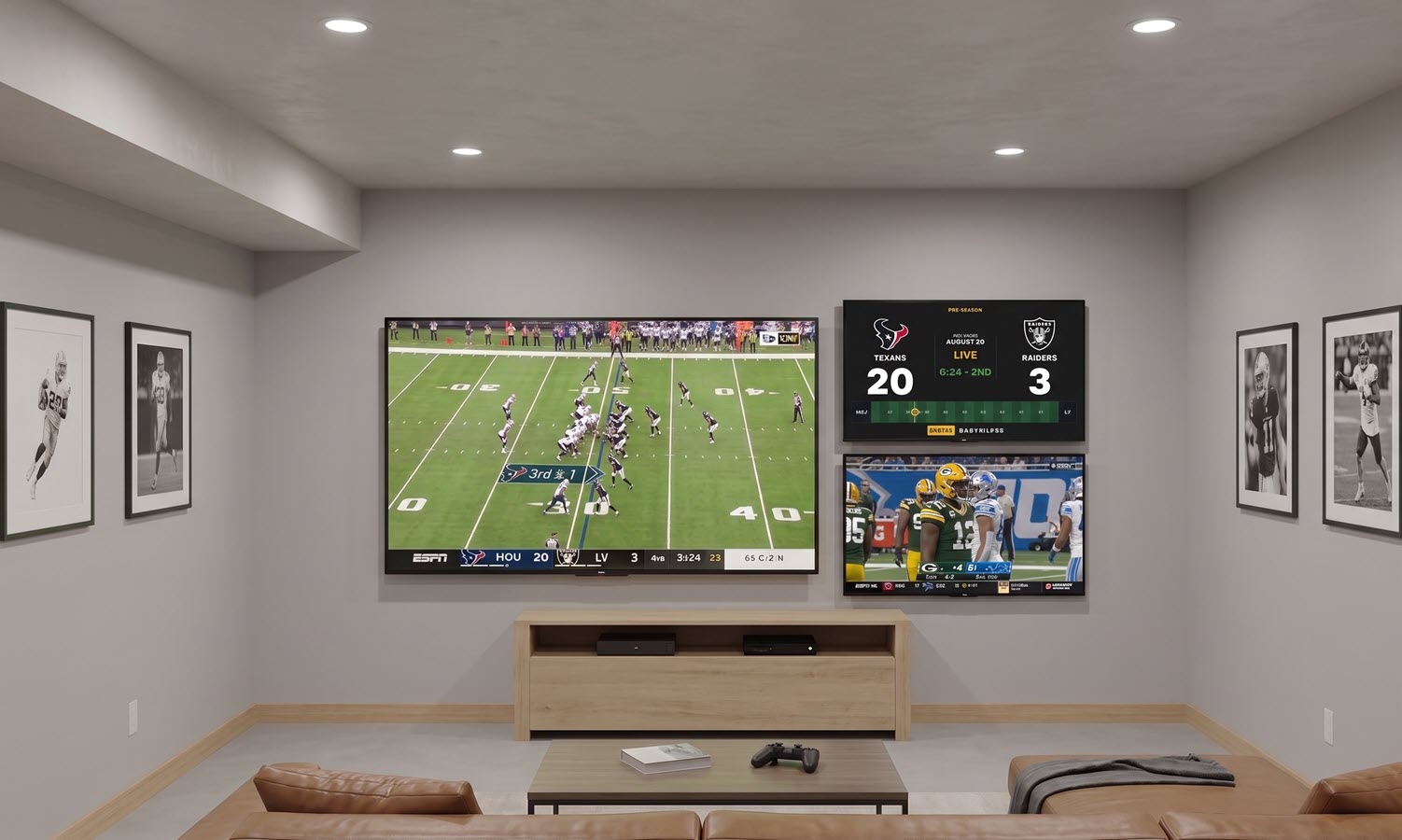
Whole-league scoreboards and full-screen game cards, constantly updating.
Scoreboards legible from ten feet.
Android TV setup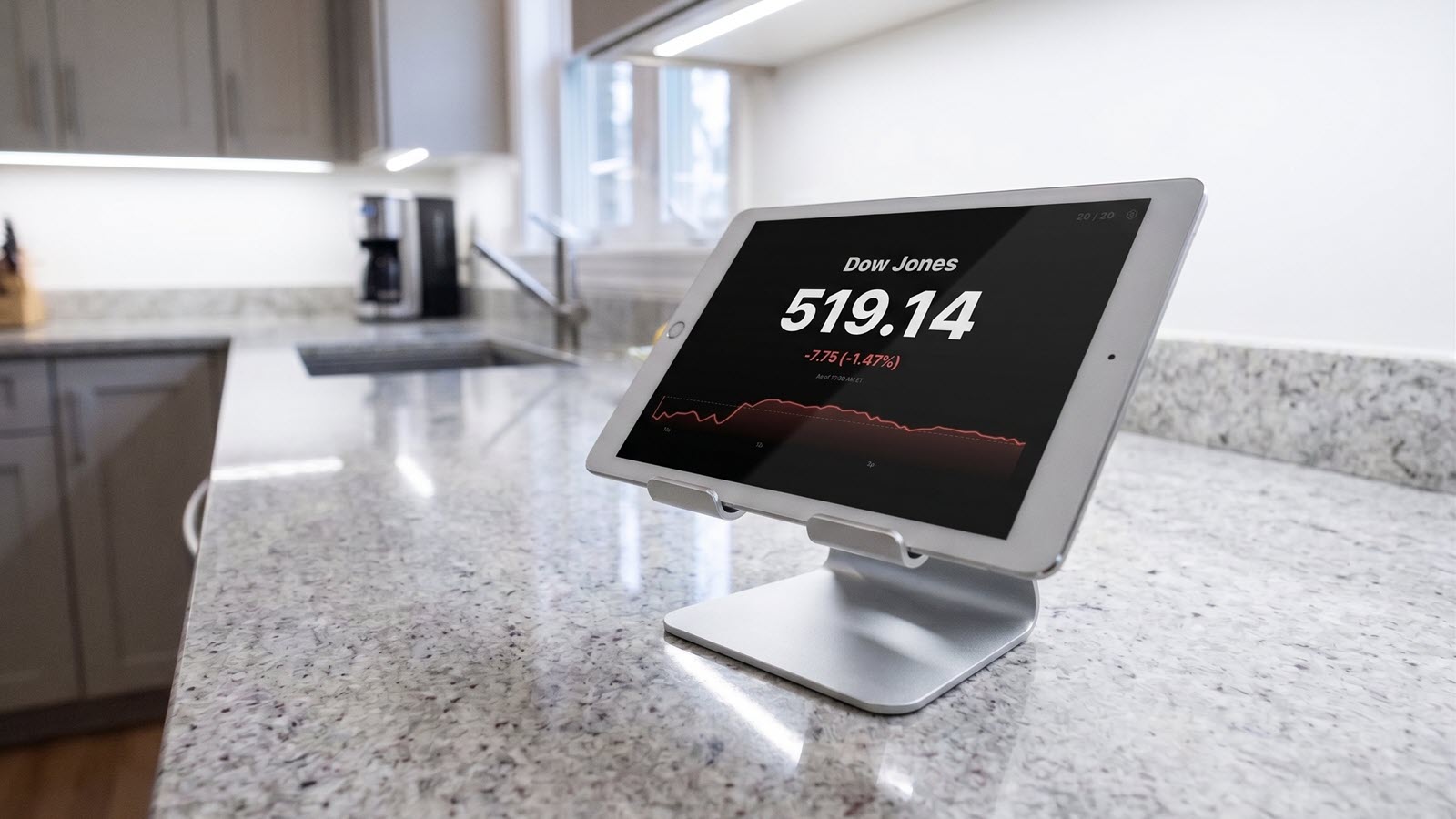
Prop it up, plug it in, leave it. A dedicated always-on dash that never sleeps.
Prop it up, plug it in, leave it.
Tablet setup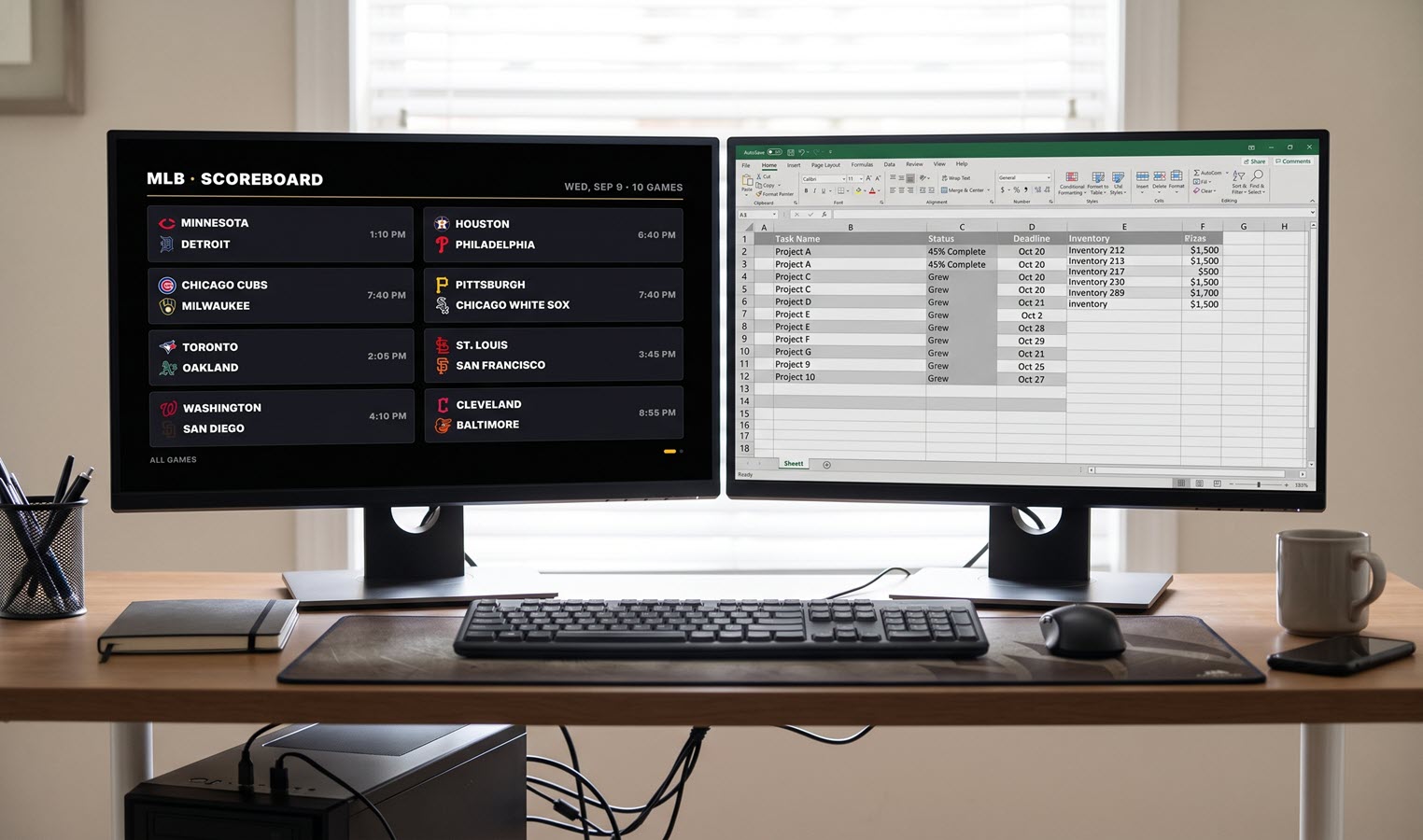
Nothing to install. Sign in, pick a layout, and it runs for the rest of the day.
Nothing to install.
Browser setupFollow as many leagues, symbols and cities as you want. Everything else stays off the screen.
Install the app, or just load the URL in the TV's browser. Then leave it alone.
The mobile control panel manages the big screen without interrupting the cycle. Set your own quick presets to switch the action fast.
LED sports tickers cost hundreds to thousands of dollars and show one scrolling line. TickrDash puts full scoreboards on the big screen you already have, for $29.99 a year.
| Comparison | LED ticker | TickrDash |
|---|---|---|
| Upfront cost | Hundreds to thousands of dollars of hardware | Nothing to buy — $29.99 a year |
| Screen | A dedicated LED bar you mount and wire | The TV, tablet or browser already in the room |
| What it shows | One scrolling line of text | Full game cards, an eight-game scoreboard, standings, stocks and weather |
Run league-wide scoreboards, standings and odds across every screen in the room. Commercial licensing, custom integrations and multi-site pricing for bars and venues.
More venue info
No. TickrDash runs on a TV, tablet or browser you already own. Install the app on Android TV or Google TV, add it to an iPad home screen, or open it in any browser.
Scores refresh continuously while games are live, typically within a minute of the action.
While the ticker is showing, TickrDash asks the device to keep the screen awake. On iPhone and iPad, set Auto-Lock to Never and turn off Low Power Mode for long sessions.
For personal use just $4.99 a month, $11.99 a quarter, or $29.99 a year. Cancel anytime.
More answers on the support page.
See it running before you sign up — the demo is the real product (with non-live data).